& Construction

Integrated BIM tools, including Revit, AutoCAD, and Civil 3D
& Manufacturing

Professional CAD/CAM tools built on Inventor and AutoCAD
Tentech stands at the forefront of technology solutions, specializing in sophisticated information management systems. The company is dedicated to enabling organizations to harness cutting-edge technologies for growth, improved efficiency, and the realization of their strategic goals. This includes expertise in handling data migrations ranging from simple to complex scenarios, ensuring seamless integration and transition of data across systems.
Tentech boasts a team of industry experts in various fields, including Architecture, Engineering, Construction, and Manufacturing. Our professionals are adept at navigating the complexities of data migration, ensuring data integrity and continuity.
Our technical experts are proficient in a range of Autodesk software, including AutoCAD, Revit, Civil 3D, Inventor, Vault, and Fusion Lifecycle, to mention just a few. They are committed to ensuring you maximize the benefits of your software investments. Additionally, our development team can enhance your capabilities by integrating increased functionality through Tentech's MinuteView platform or by creating tailor-made applications.
To guarantee the success of your project, a dedicated project manager will be assigned to ensure that your project is accurately scoped, and delivered on time and within budget, right from the first attempt!

Realtime End User Parametric Modelling
Signify Australia had developed a module lighting solution that allowed end-users to select from a range of configuration options to achieve a fitting that met their specific requirements. Signify Australia approached Tentech to develop a solution that provided the user interface and backend solution to automate the output of the required consumer and engineering documentation.
Small (2-20 employees)
Our Partners undergo rigorous evaluations and meet stringent criteria to qualify for the below Affiliations, showcasing their dedication to providing top-tier services and solutions. Discover the Affiliations below to learn more about the distinguished credentials of our Partners.
A comprehensive view of the services our Partners offer and report to Autodesk, ensuring you have access to the highest quality solutions tailored to your needs.
These Autodesk Solutions have been identified by the Partner as solutions that they have expertise with and can support through their services organization.
Accreditation helps educate, measure, and recognize our partners and their consultants for investing in customer success practices and services delivery. Accreditation is earned by completing a knowledge check on the topic, delivering the service to a customer, and having a positive review on the service delivery.
Customer Success Skill Accreditation
Focus on developing key skills that are crucial to customer success management; such as stakeholder management, executing success plans, and leveraging the Onboard, Use, & Extend Playbook.
Project Management Workshop Overview
Adds skills and techniques specific to project management that help drive effective customer engagement and service delivery.
Technical Support Accreditation
Partner Technical Support Representatives learn to build customer-centric behaviors by connecting with their customers and creating positive defining moments that will drive customer loyalty.
Consulting Implementation Framework Workshop Overview
Provides the skills and techniques to drive effective customer engagement and service delivery through a systematic approach to consulting.
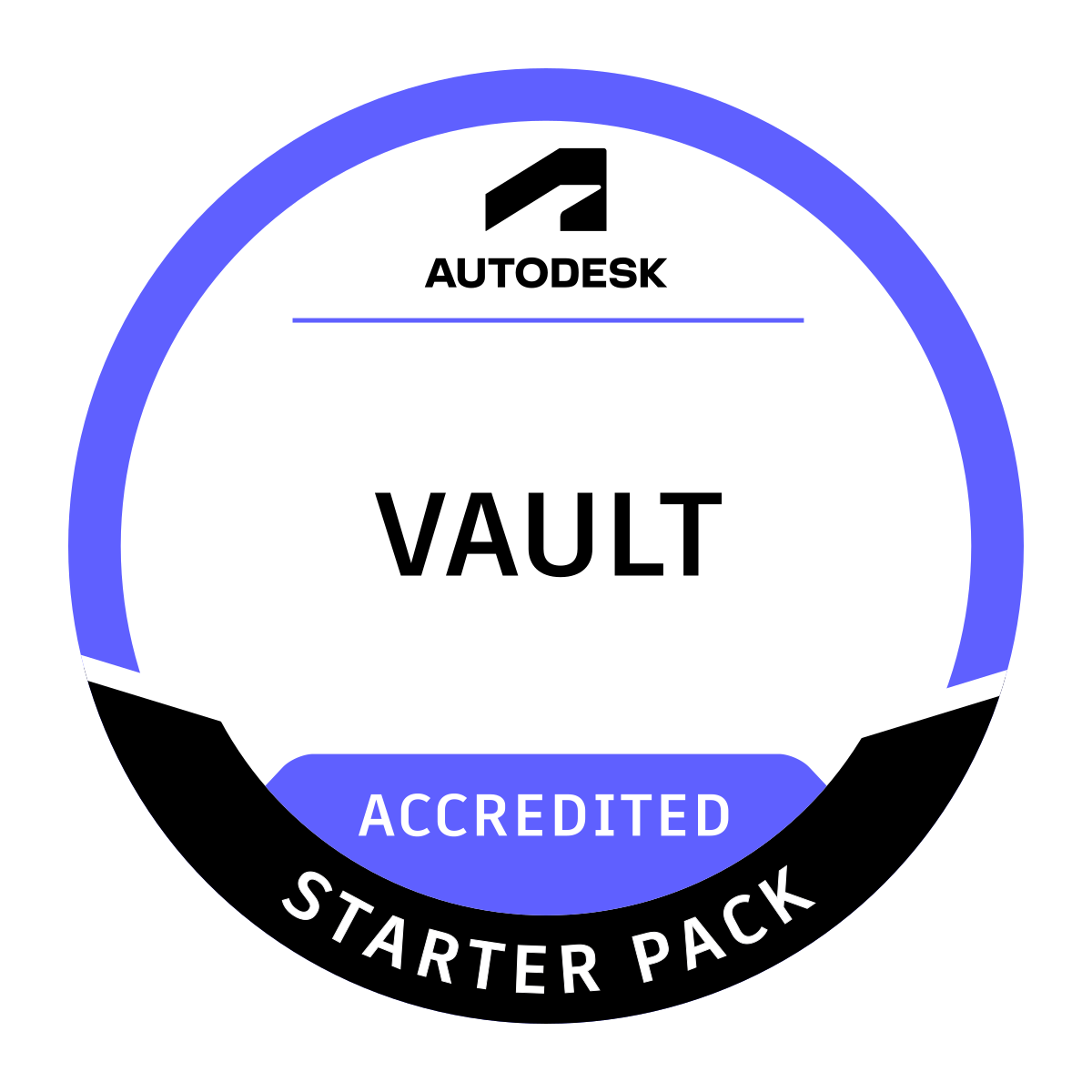
Vault Starter Pack
Implement Vault for projects with a concentration on folder architecture, security, data integrity, and property management.
Civil 3D Technical Capability
Empowers the partner with the knowledge and sources to successfully provide product support for Autodesk Civil 3D.
Licensing Support Tool Technical Capability
Understand Autodesk Licensing Support Tool, and techniques to successfully implement it.
Single Sign On (SSO) Technical Capability
Elevate the technical installation and implementation knowledge of Single Sign-On.
Contact Partner Finder for help using the online search tool and more. The Autodesk Assistant can help with Autodesk products, answer questions, or send you to an agent.
Partner Finder Terms of Use
By accessing and using Partner Finder, you acknowledge and agree to the following Additional Terms as referenced in the Website Terms of Use: (i) Partner Finder may be modified, updated, interrupted, limited, suspended, or discontinued at any time without notice or liability; (ii) any query or request for information regarding a specific provider or provider services may be forwarded to that provider, however Autodesk in its discretion may retain a record to conduct business analytics to improve Partner Finder and other Autodesk products and services; (iii) Autodesk has no obligation to enforce any terms on your behalf against another user; and (iv) any feedback you provide in connection with a provider, including ratings or reviews, is a non-confidential “Submission” as defined in the Website Terms of Use. You are advised to conduct your own independent analysis and assessment of any information provided by or though Partner Finder, including whether a selected provider is appropriate for your particular circumstances. Without limiting the Website Terms of Use, Autodesk does not warrant, endorse, guarantee, or assume responsibility for any service advertised or offered by a provider through Partner Finder or any hyperlinked website or service. Autodesk is not liable for the content of this site, or for the consequences of any actions you may take based on information provided by, or through, this site. You release Autodesk and its affiliates and subsidiaries from all liability arising from your use of Partner Finder, including any hyperlinked website, service, or content.
Translation tool disclaimer
This page has been translated for your convenience using a machine translation service. Reasonable efforts have been made to provide an accurate translation; however, no automated translation is perfect nor is it intended to replace human translators. As a result, this translation may contain errors and inaccuracies. Autodesk provides no warranties, either express or implied, about the accuracy, reliability, or completeness of the machine translation and disclaims all liability for any losses or damages caused by, or resulting from your reliance on, this translation. The English version of this website is the official version.